Create image embeddings with Towhee
We use the towhee library to create an embedding for a an image dataset.
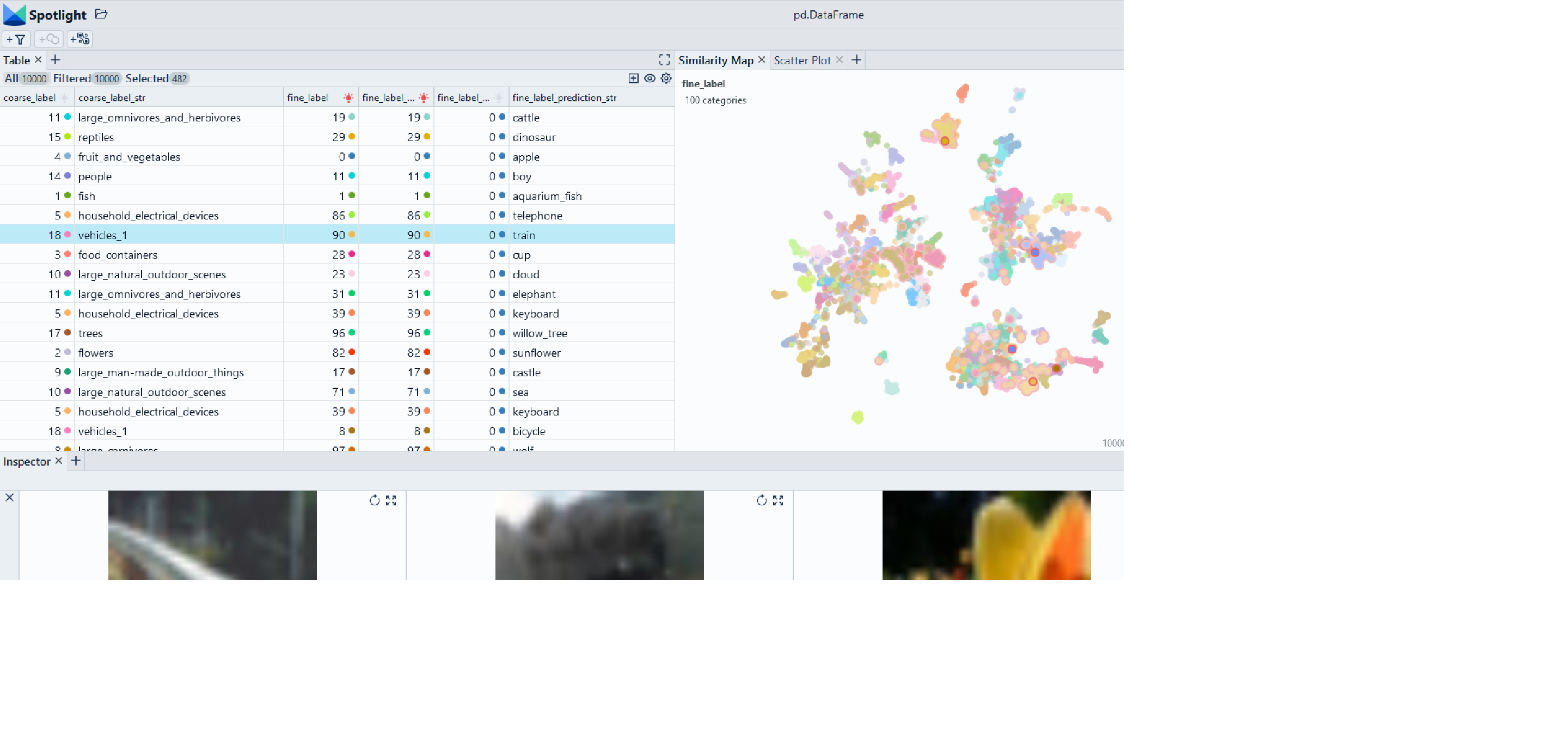
Use Chrome to run Spotlight in Colab. Due to Colab restrictions (e.g. no websocket support), the performance is limited. Run the notebook locally for the full Spotlight experience.
df['image']contains the paths to the images in the dataset
df['embeddings']contain the image embeddings for each data sample
modelnamedesignates the pre-trained model used to compute the embedding. You can find many more available models on the towhee operator hub.
Imports and play as copy-n-paste functions
# Install dependencies
# Imports
!pip install renumics-spotlight towhee datasets
#Play as copy-n-paste functions
# @title Play as copy-n-paste functions

import datasets
from towhee import pipe, ops
from renumics import spotlight
import pandas as pd
import requests
import json

def towhee_embedding(
    df,
    modelname="beit_base_patch16_224",
    image_name="image",
):

    p = (
    pipe.input('path')
        .map('path', 'img', ops.image_decode())
        .map('img', 'vec', ops.image_embedding.timm(model_name=modelname))
        .output('vec')
    )

    data = df[image_name].tolist()

    dc_embedding = p.batch(data)

    df_emb = pd.DataFrame()
    # towhee returns a list, we get the first (and only) element
    df_emb["embedding"] = [x.get()[0] for x in dc_embedding]

    return df_emb
Step-by-step example on CIFAR-100
Load CIFAR-100 from Huggingface hub and convert it to Pandas dataframe
dataset = datasets.load_dataset("renumics/cifar100-enriched", split="train")
df = dataset.to_pandas()
Compute embedding with vision transformer from Huggingface
df_emb=towhee_embedding(df, modelname='tbeit_base_patch16_224')
df = pd.concat([df, df_emb], axis=1)
Reduce embeddings for faster visualization
import umap
import numpy as np
embeddings = np.stack(df['embedding'].to_numpy())
reducer = umap.UMAP()
reduced_embedding = reducer.fit_transform(embeddings)
df['embedding_reduced'] = np.array(reduced_embedding).tolist()
Perform EDA with Spotlight
df_show = df.drop(columns=['embedding', 'probabilities'])
spotlight.show(df_show, port=port, dtype={"image": spotlight.Image, "embedding_reduced": spotlight.Embedding})